
Paving options
Explore driveway paving options.
Drag the handle to compare a worn driveway with a renewed paving option.
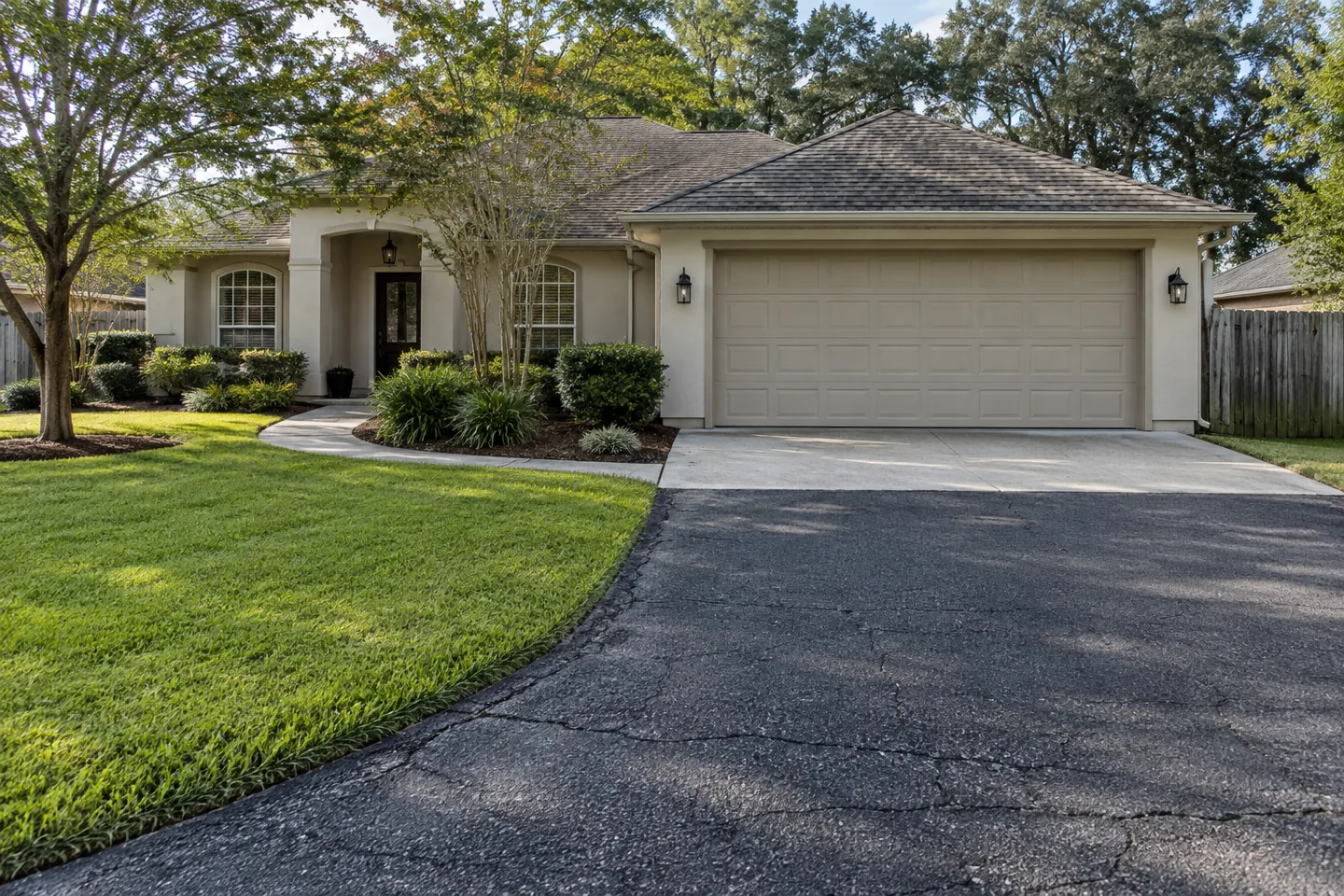
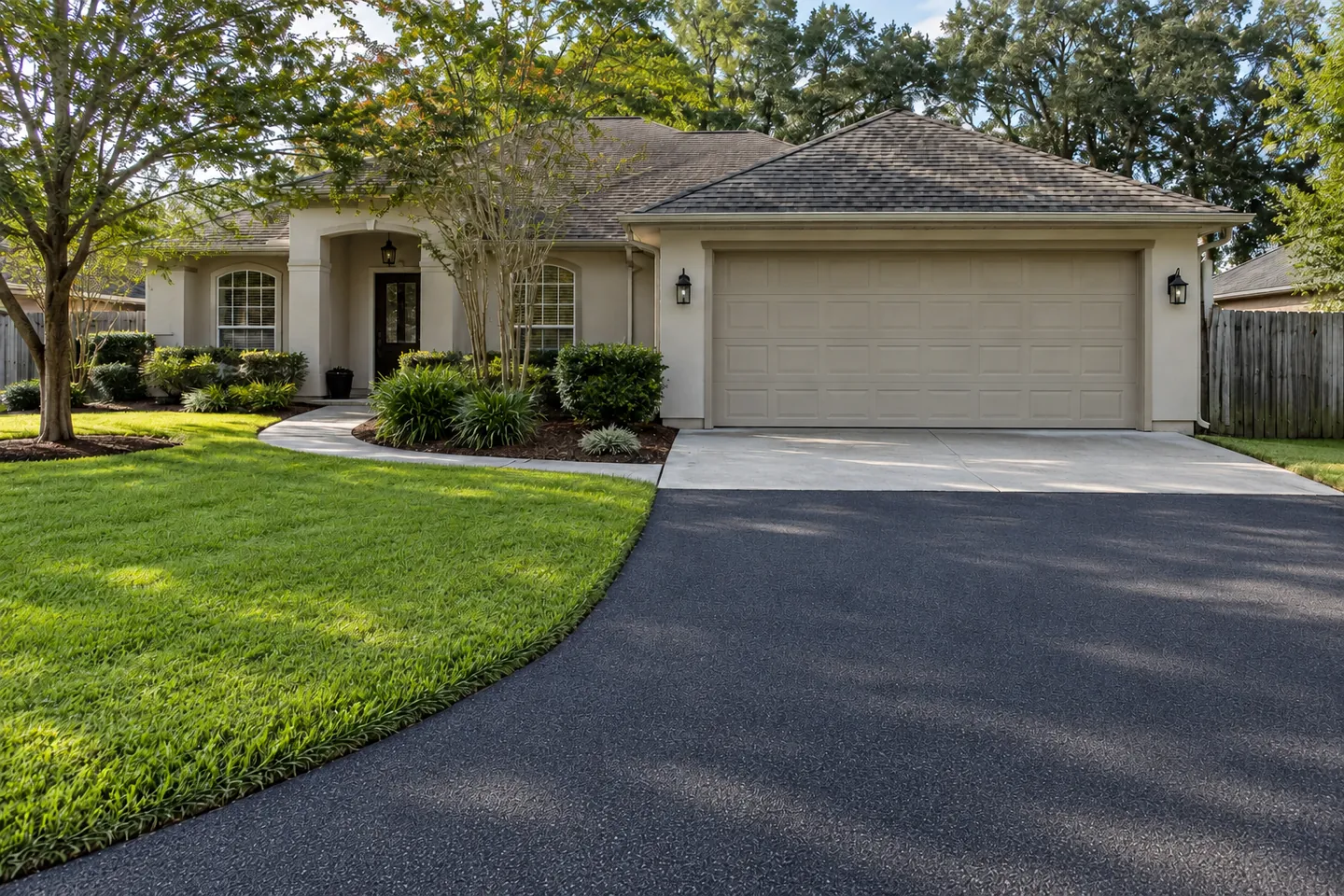
Drag or tap the picture to compare. Use arrow keys when the handle is focused.
Paving options
Explore parking lot paving options.
Drag the handle to compare parking pavement before and after repaving and renewed markings.
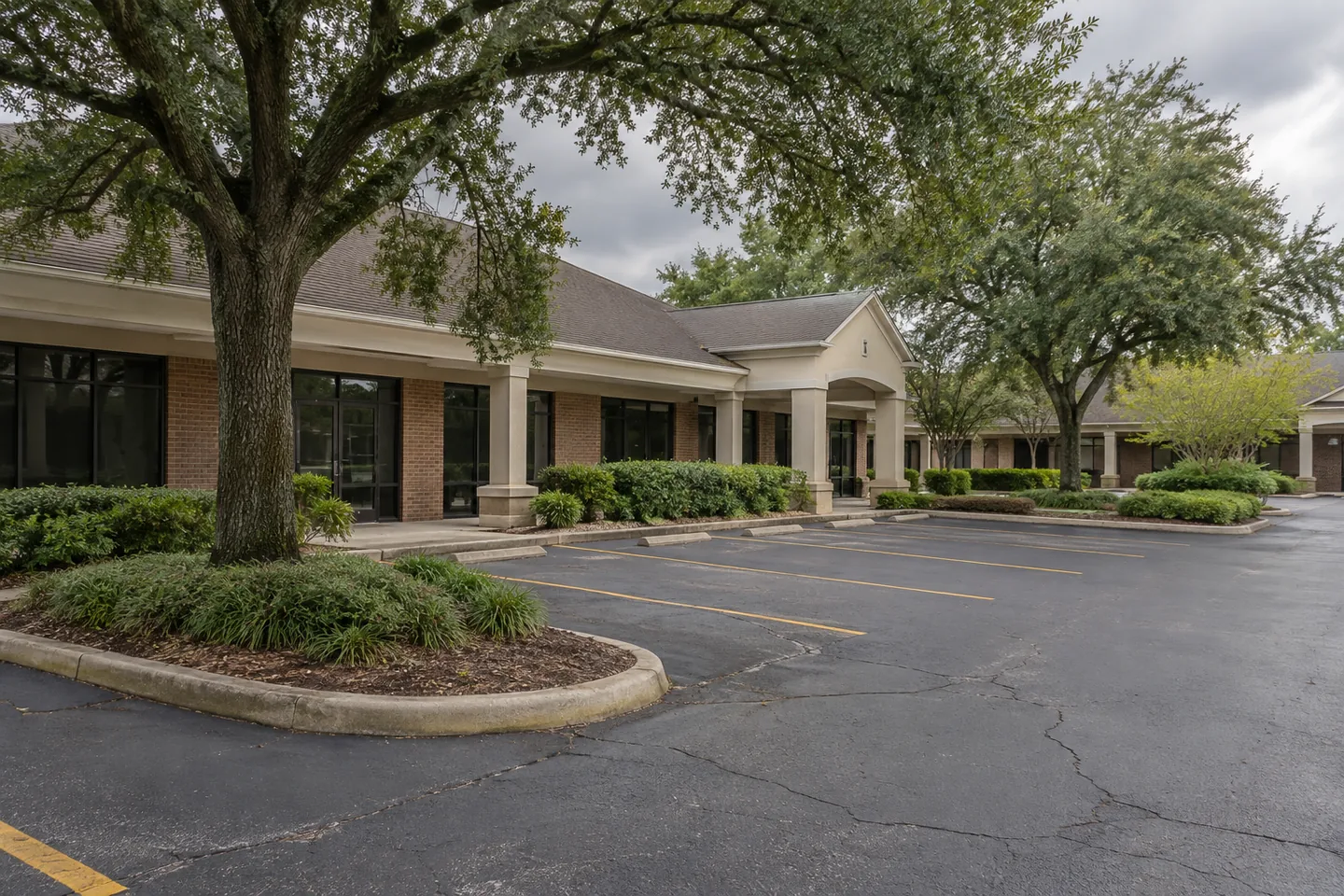
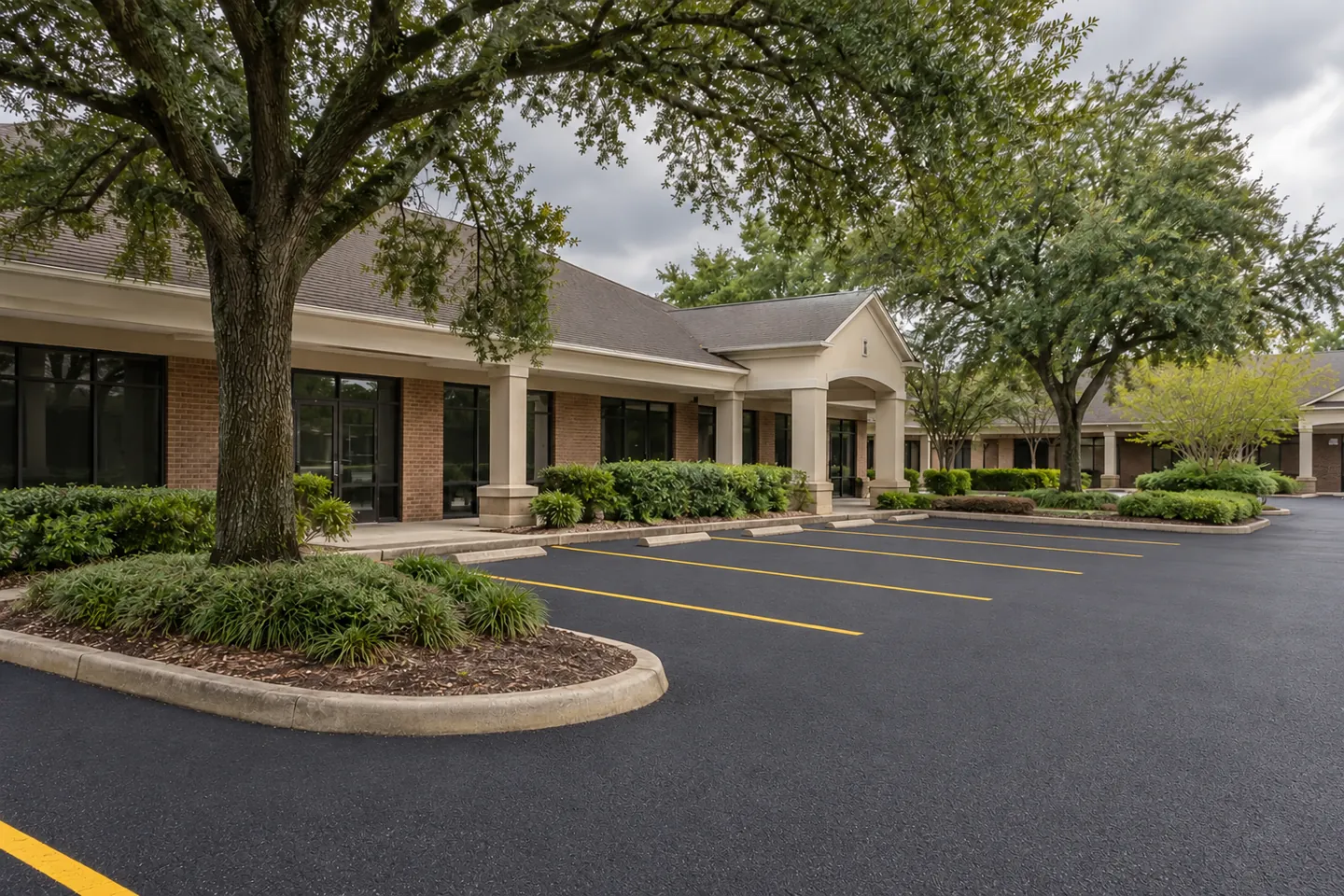
Drag or tap the picture to compare. Use arrow keys when the handle is focused.
Send the original property views when requesting a review
If a photograph in this gallery helps you recognize a question, send your own genuine property views with the inquiry. Show the location in context and explain the actual concern. A representative image can introduce a topic, but it cannot establish that your property has the same condition or needs the same response.
Keep original files where possible and put location notes in the message. Do not invent capture dates, measurements or a work history to make a record appear more complete. If information is unavailable, say so. A provider can identify what additional view or site examination is needed rather than rely on a misleadingly precise description.
At closeout, compare your own completion images with the authorized scope and relevant findings. The image can document appearance and location while other records explain what was reviewed and performed. Preserve that distinction when sharing the project record with another owner, manager or provider.
More photos from Asphalt Solutions
Browse driveway, parking-area and company-truck photographs. Select an image for a closer view.
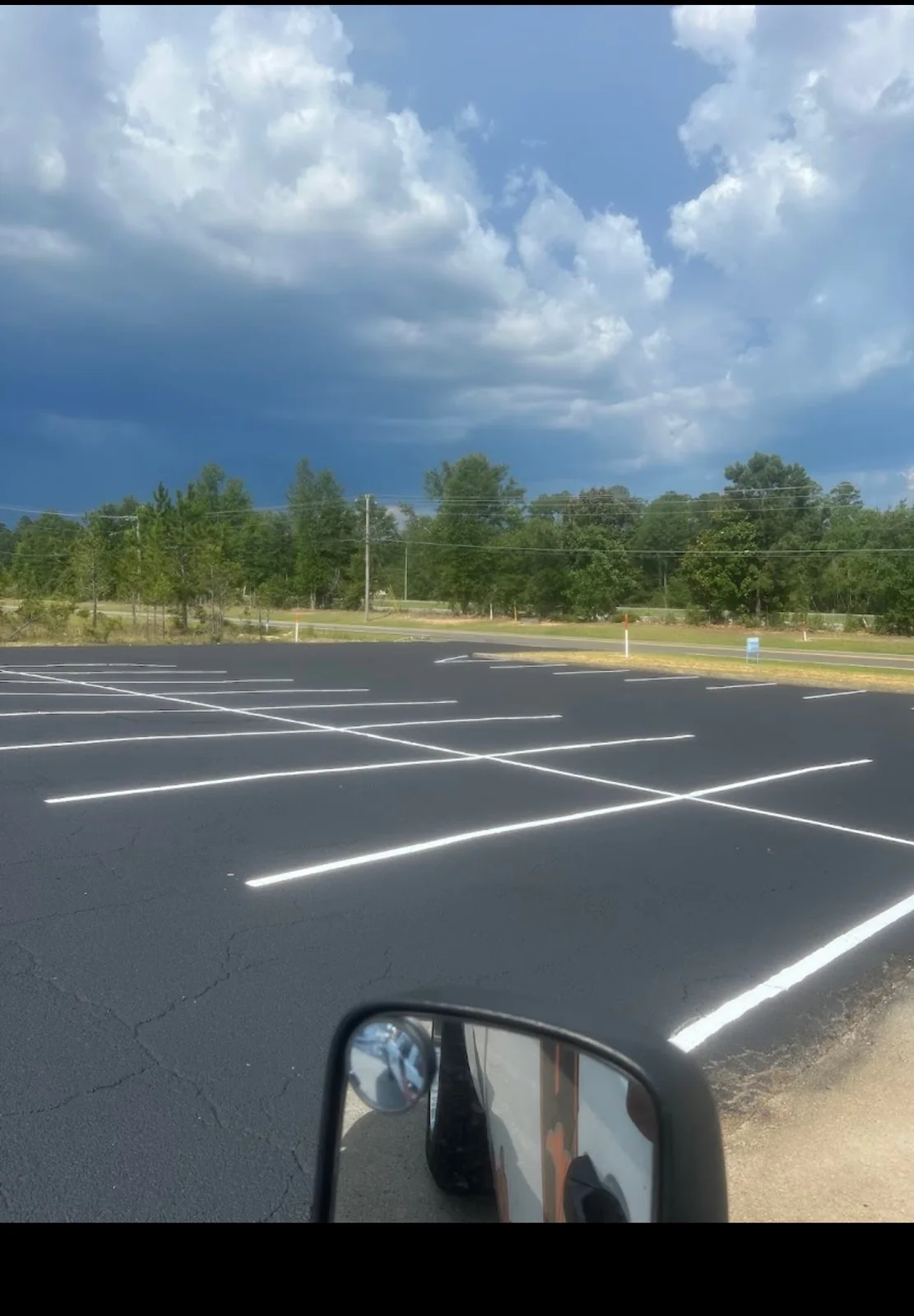

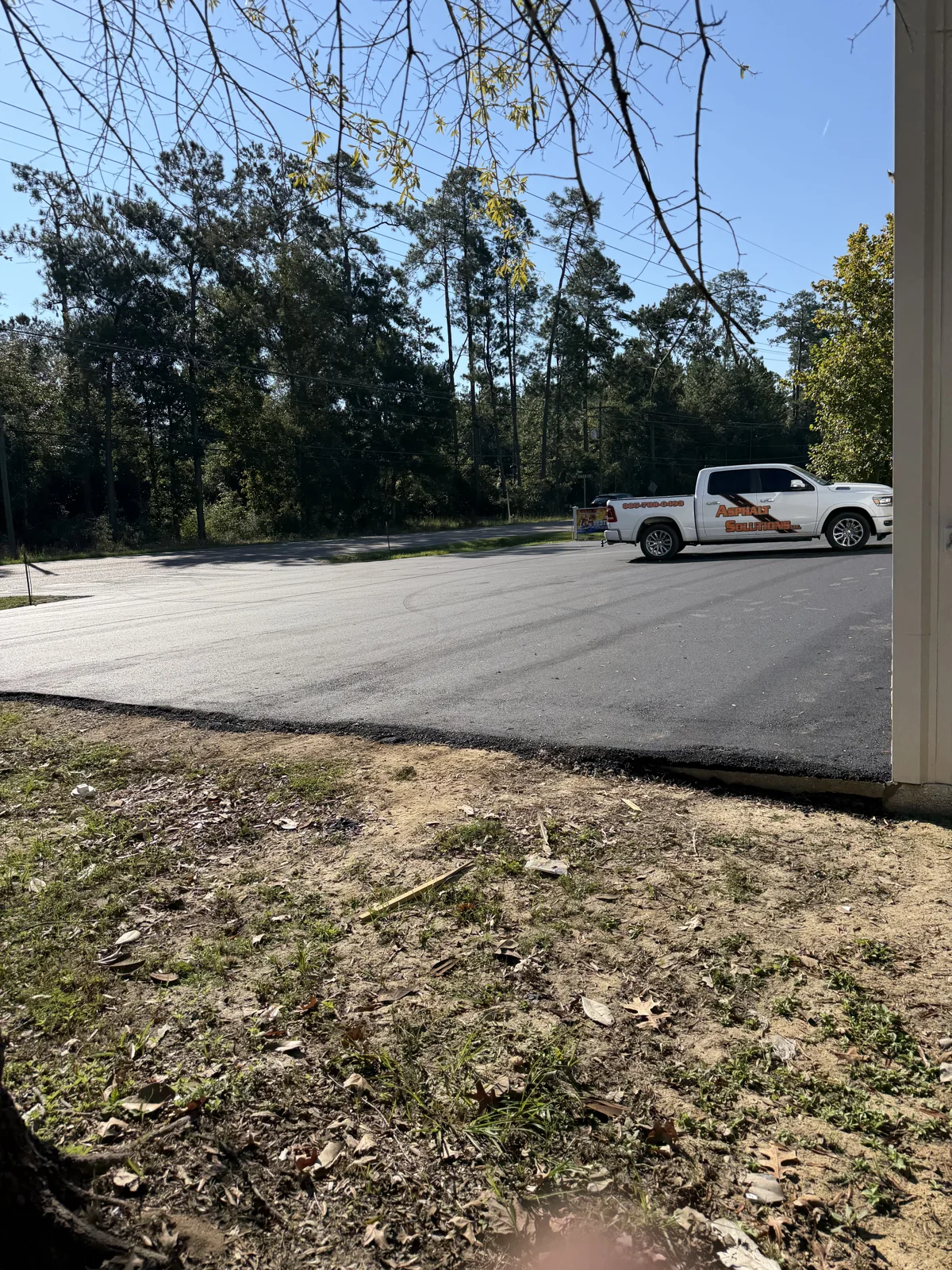


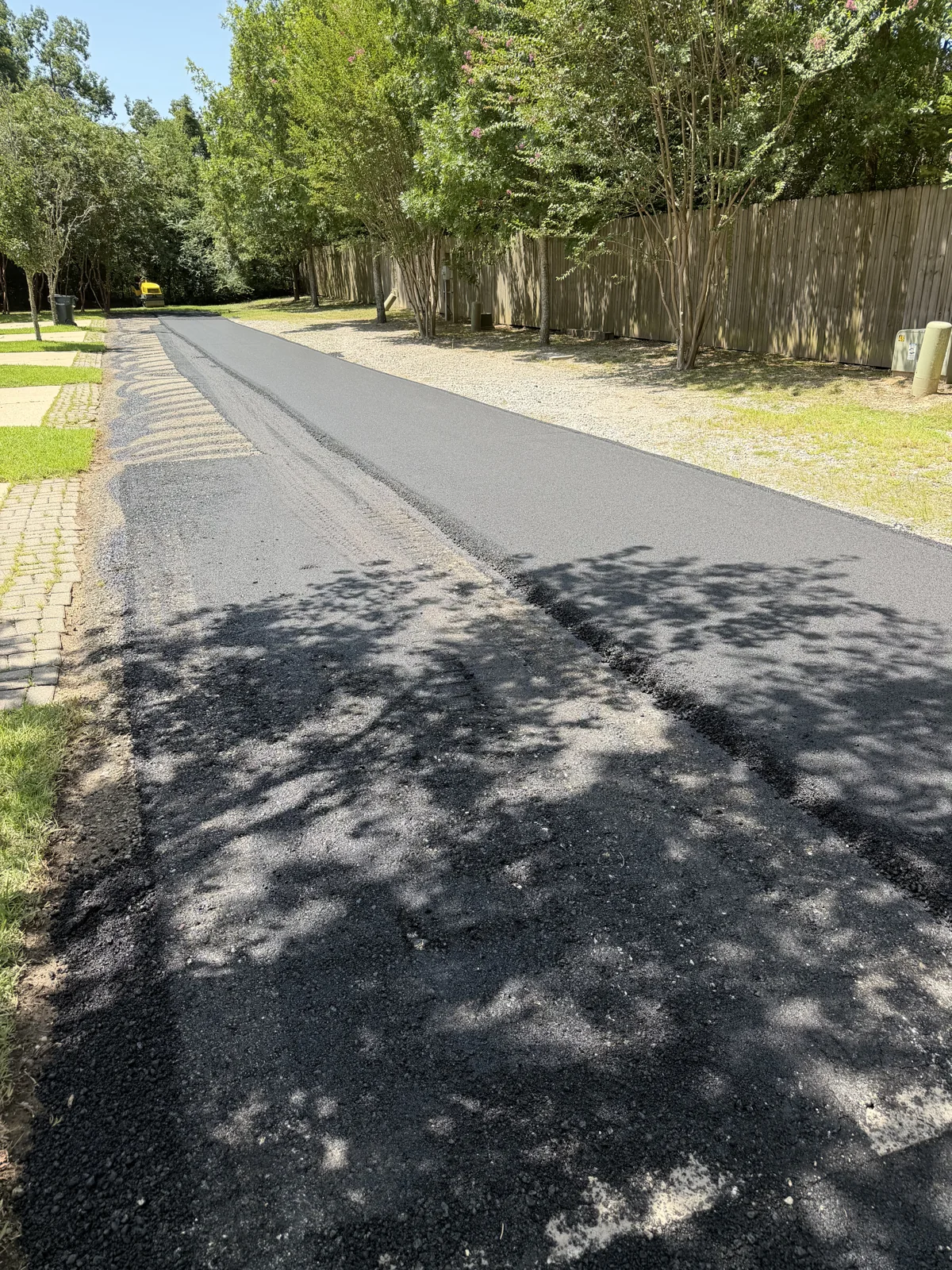
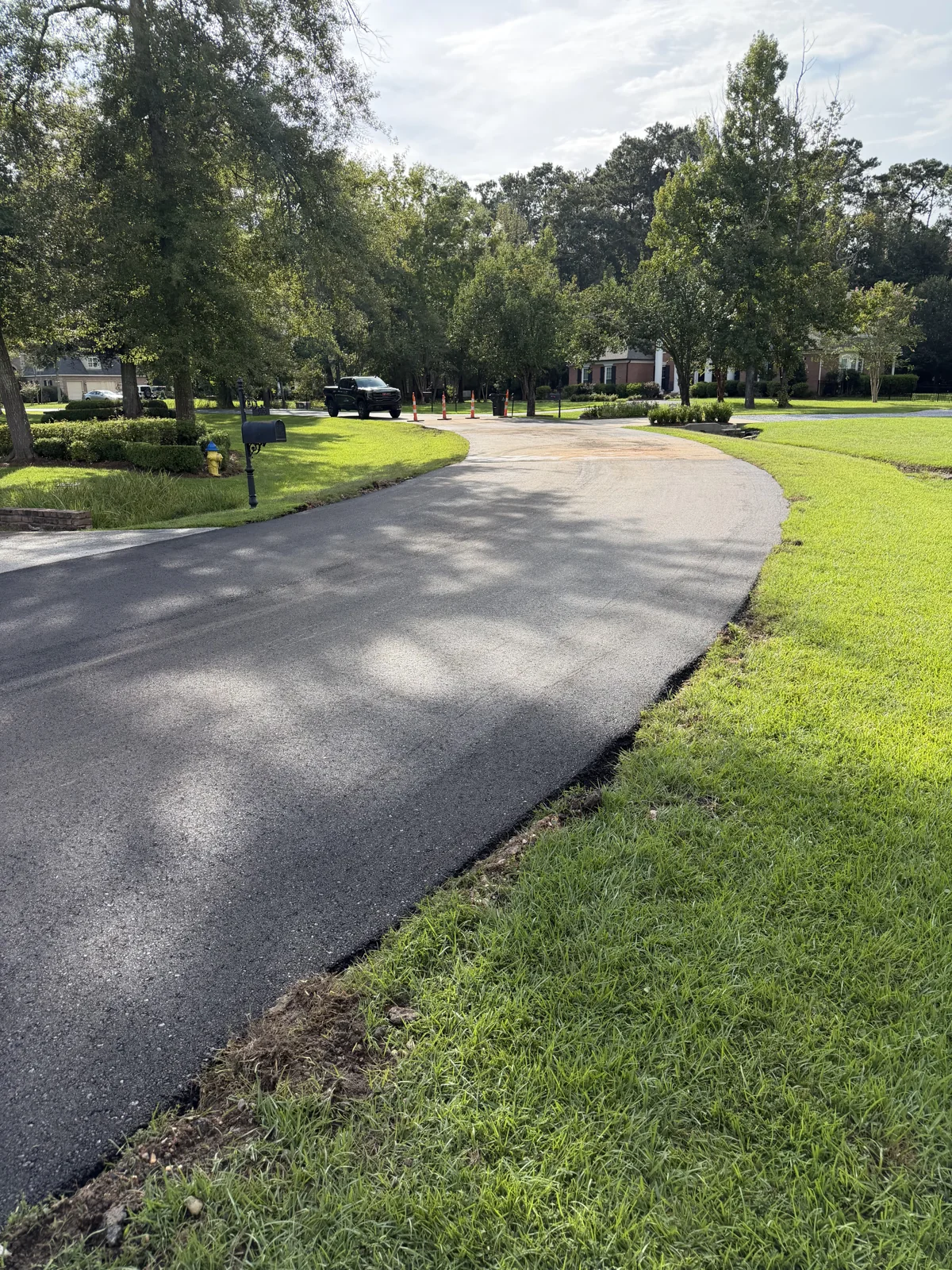


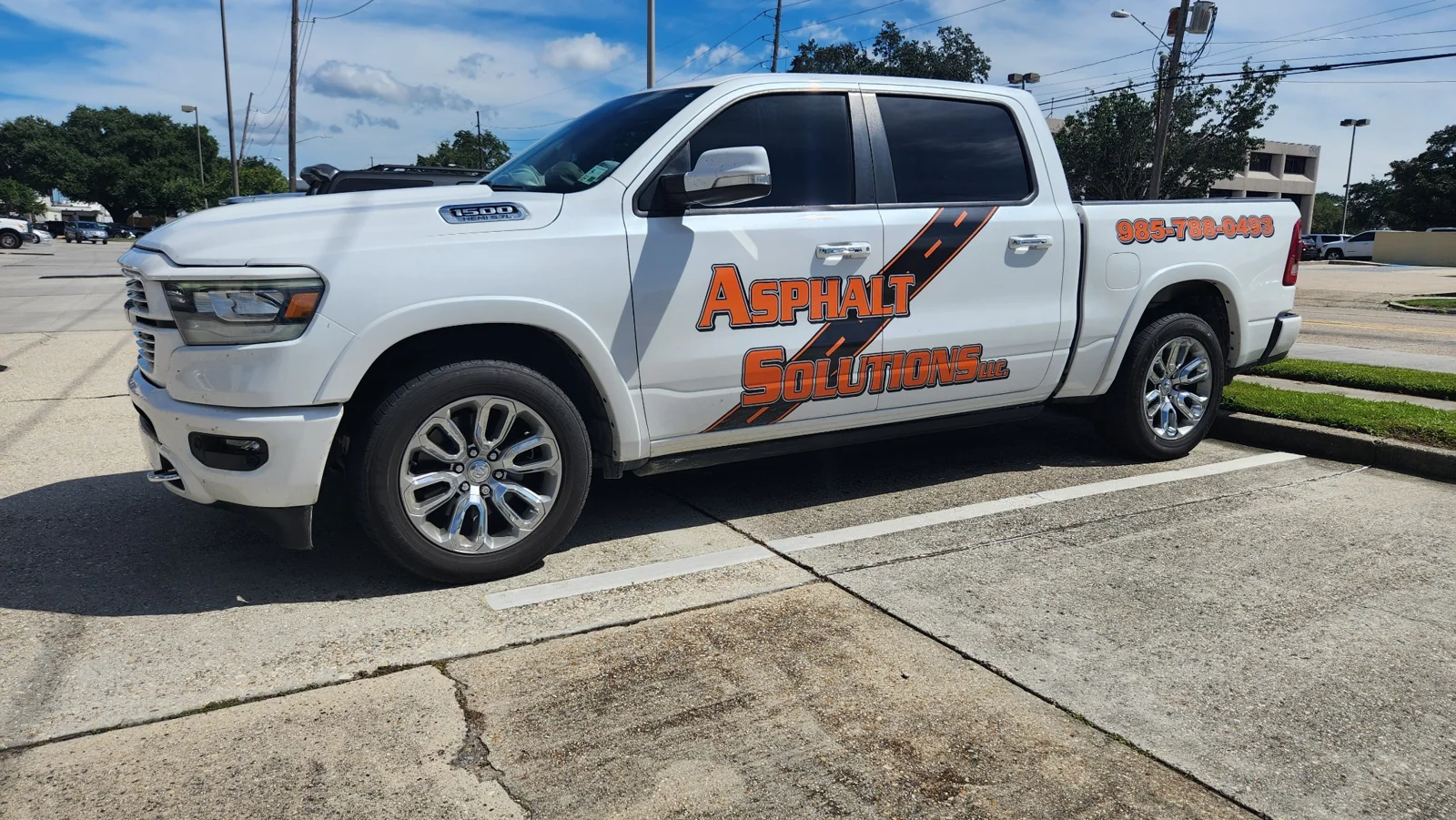
Pavement photo gallery
Explore pavement surfaces, parking areas and markings. Open a photograph for a closer view.
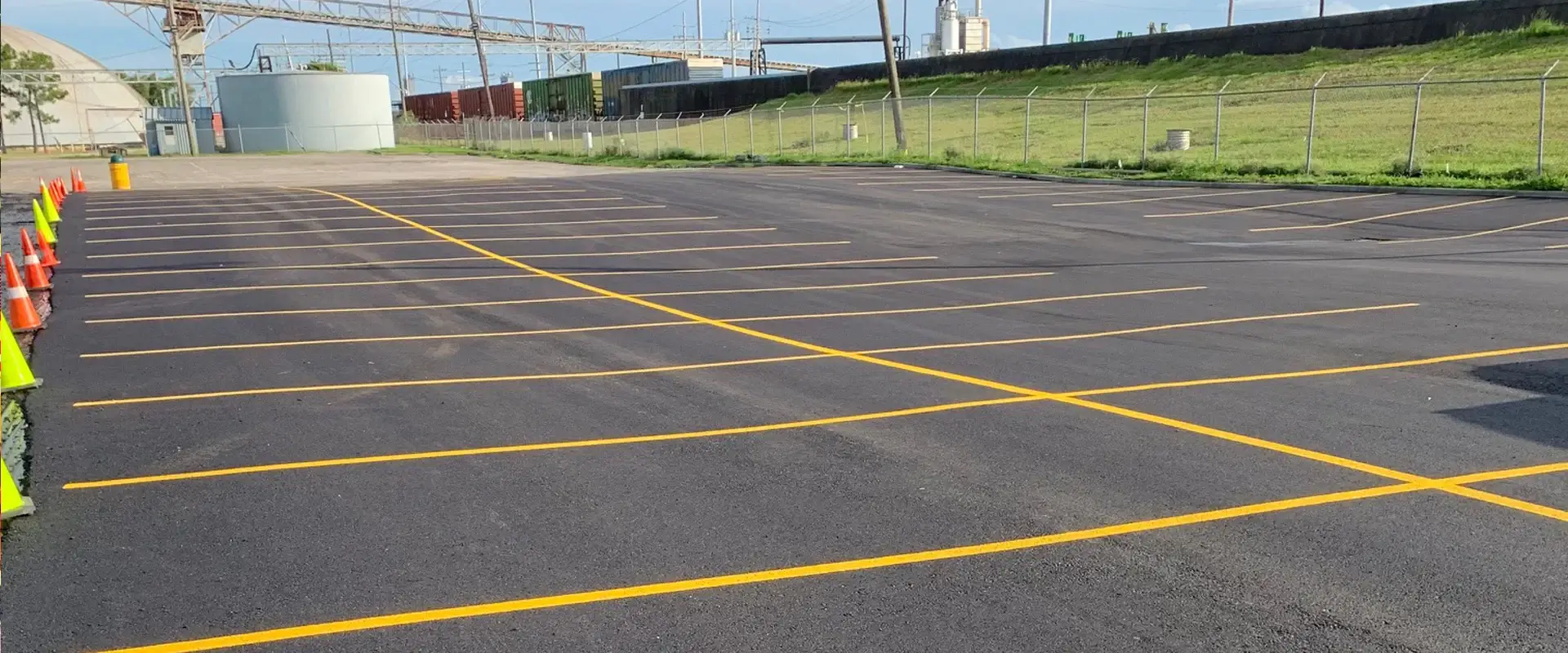
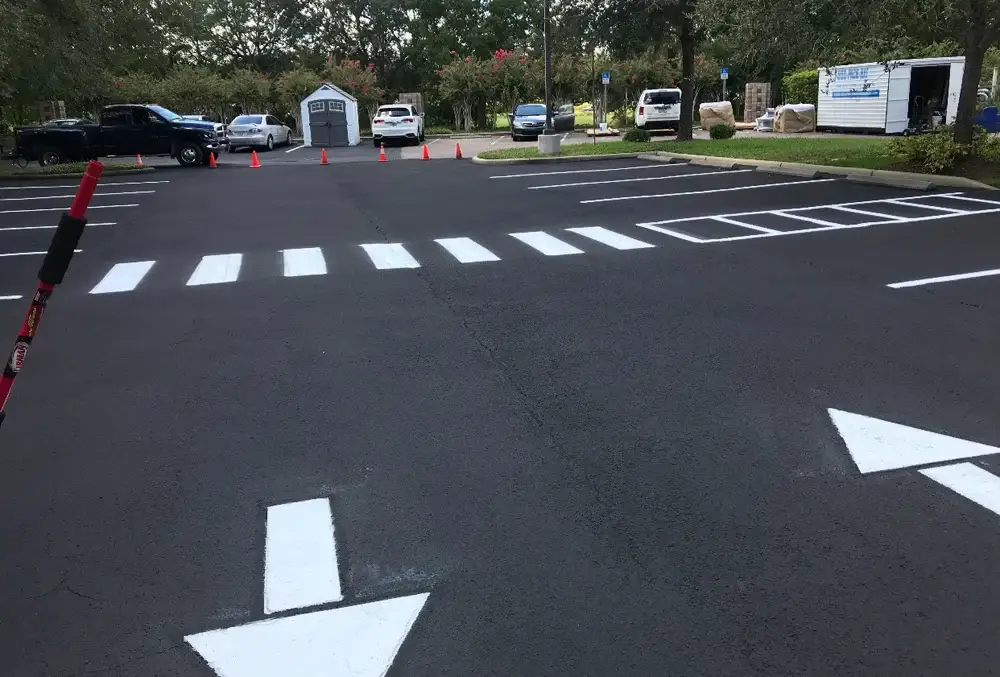
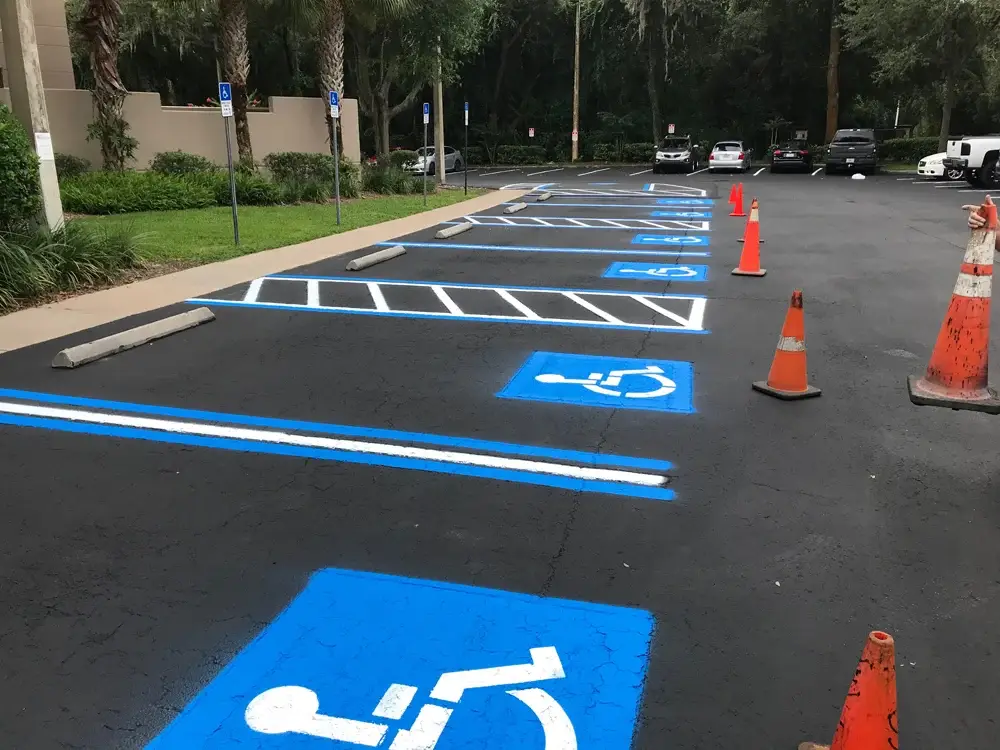
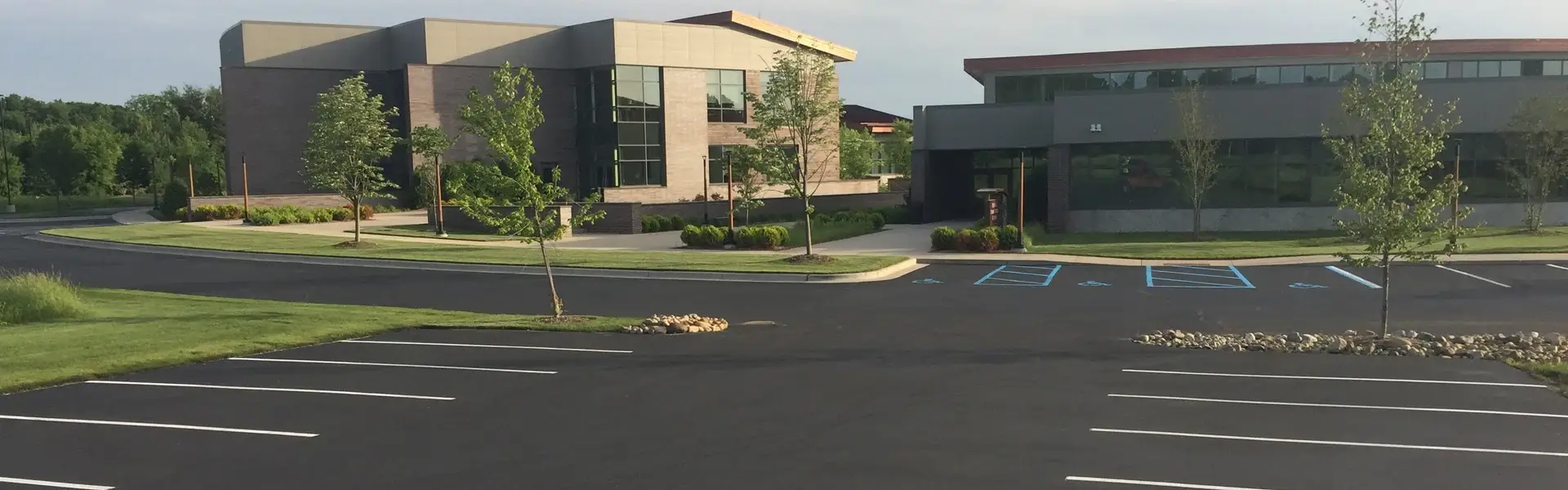
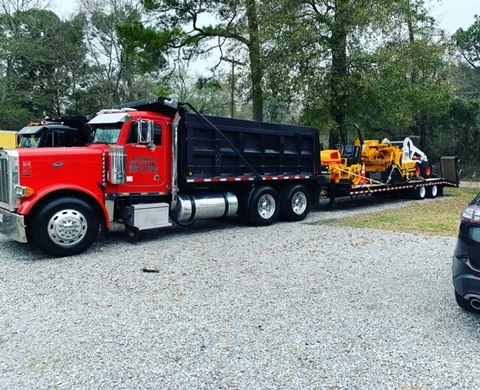
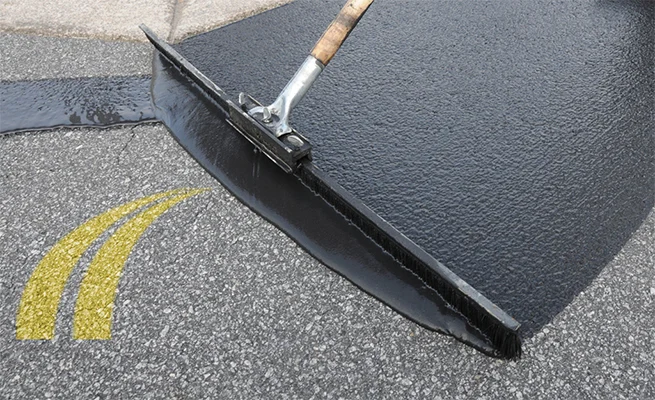
For your own project, send an overall property view and closer photographs of the concern. Include the construction address and explain the result you want. A gallery picture can help describe an idea; the quote needs assessment of your property and a defined scope.
Pavement details
Explore pavement conditions, driveway layouts, concrete connections and maintenance access.

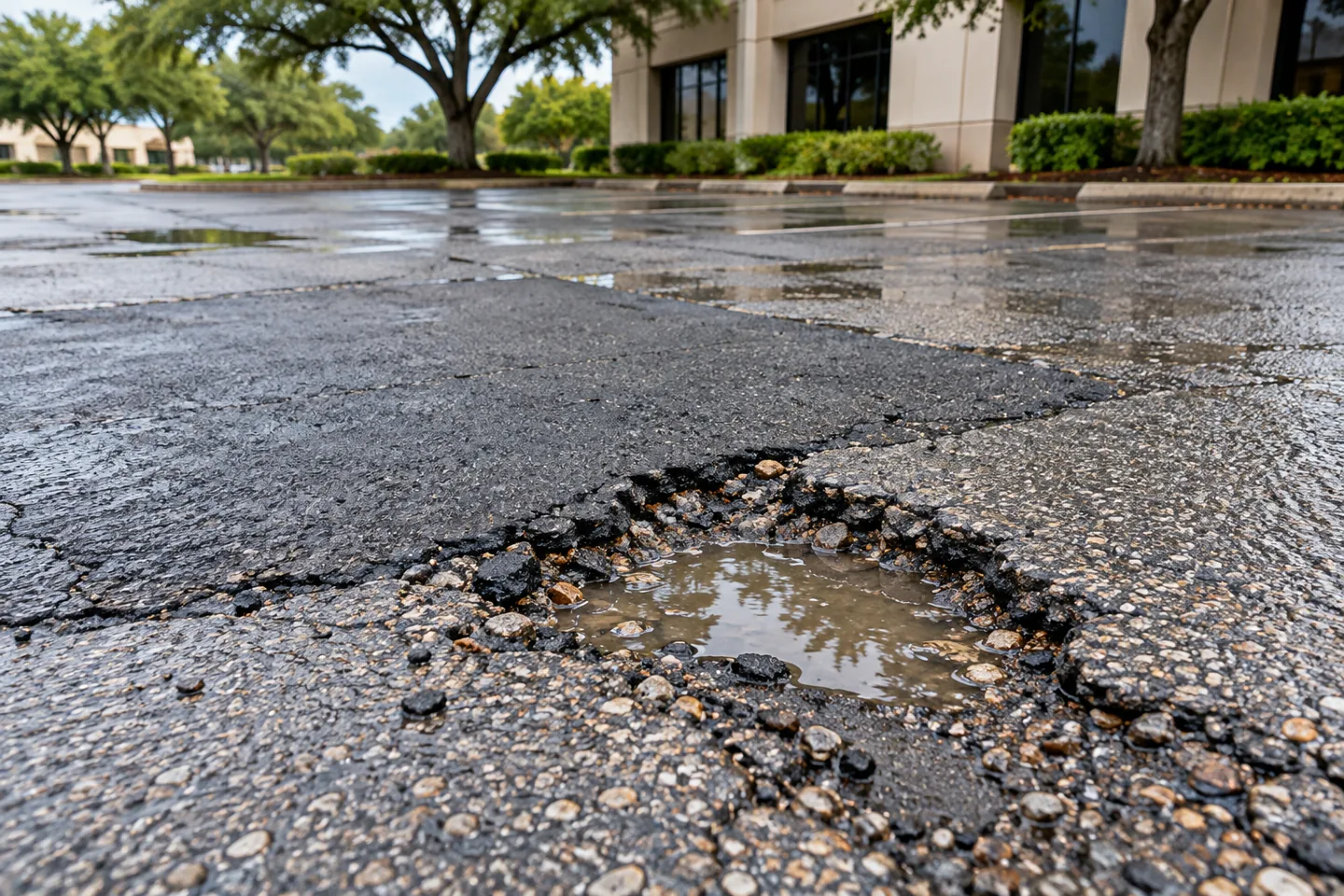

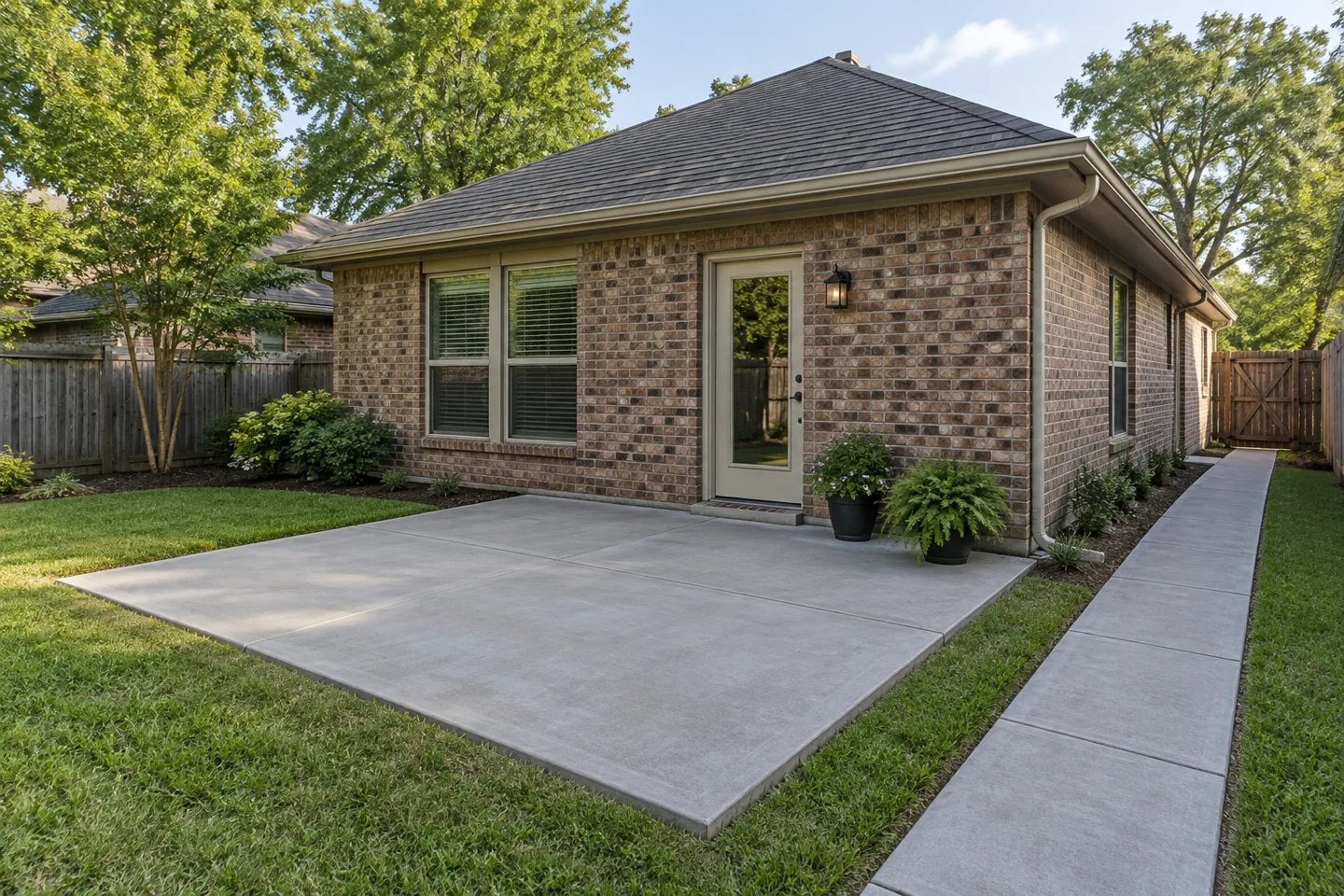

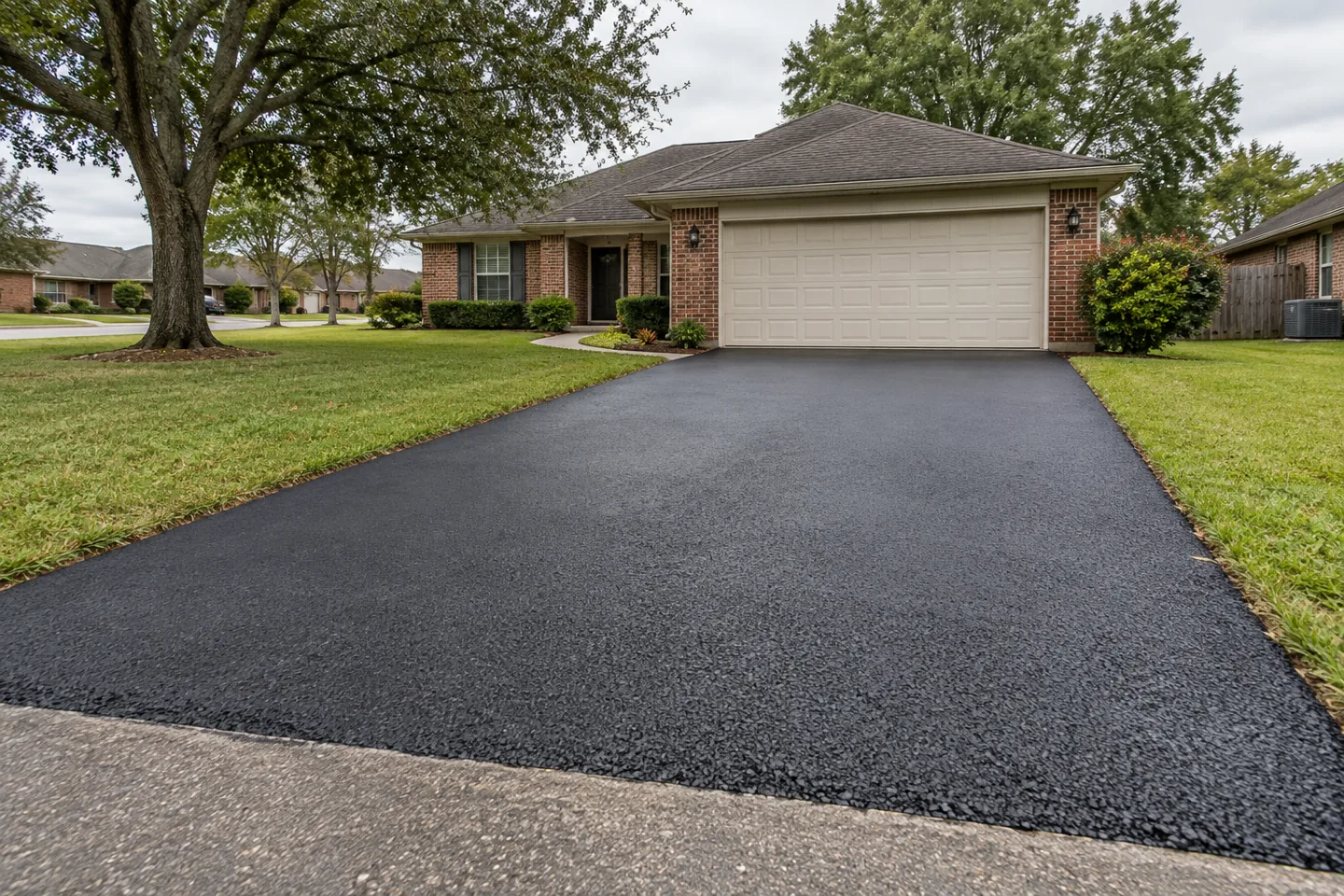
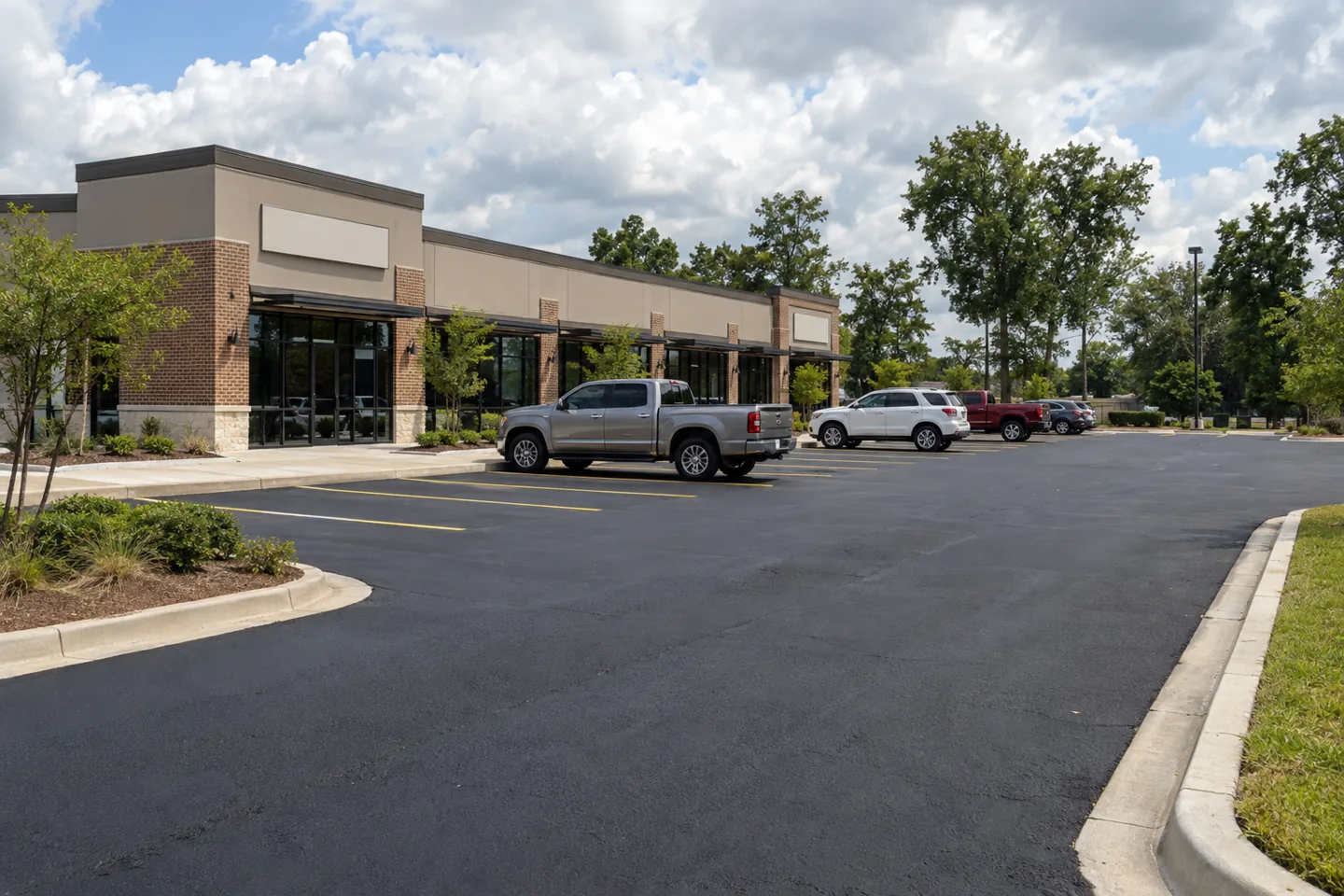

Explore driveway paving, parking lot paving, concrete work and sealcoating for the decisions behind the pictures. Discuss observed damage through the pavement problem guides before choosing an operation from appearance alone.
Find ideas for your property
Start with the part of your property you want improved: a driveway entrance, worn parking section, damaged edge or connection with a garage or walkway. Browse the photographs for details that help you explain the request. Open an image for a closer look at the surface and surrounding features. When you contact Asphalt Solutions, connect that reference with current views of your own property and the result you want. Include the work address and the area’s normal use. A focused request makes it easier to discuss the next step and identify what information is needed for a useful proposal.
Before accepting a quote, look beyond the surface appearance. Ask which areas are included, what preparation is proposed and how the work will meet retained pavement, concrete or other fixed features. A driveway may need access to the garage preserved during part of the work, while a business may need a plan for deliveries and customer parking. Explain those requirements early. Identify optional changes, such as widening a section or replacing an adjoining apron, so they can be priced and reviewed separately. Keep the written scope with your property photographs for a clear record of the work being discussed.
Look beyond the surface appearance
When a photograph catches your attention, identify the specific feature you want to discuss. It may be an asphalt boundary beside concrete, the approach to a garage, a parking surface or a retained walkway connection. Describe that visible relationship rather than assuming the entire pictured property is the requested model for your project. A clear question helps the contractor connect the reference with your actual section. Keep an illustrated idea distinguishable from a current property photograph so the conversation does not silently treat a desired example as a confirmed condition or an item already included in a proposal.
An image cannot show every layer, preparation task or condition beneath a surface. It also may not locate the full work boundary or establish the instructions that applied when the photograph was taken. Ask the actual offer to describe preparation, retained features, connections, exclusions and selected options for your property. Use the service guides to find a relevant route into paving, repairs, resurfacing, maintenance or concrete questions. This keeps the reference photograph connected with its useful purpose while the contractor's actual assessment and proposal explain the improvement being considered for the section you have.
Choose the details that matter to your property
Look for the details that matter to daily use: the turn into a driveway, the transition to a garage, the pavement edge beside landscaping or the walking connection between parking and an entrance. Decide what works well now and what you want changed. Share both points when requesting a quote. Keeping a useful feature can matter as much as repairing a damaged one. If several areas need attention, give each a simple name and explain its priority. This helps the team discuss the requested footprint and decide whether separate phases or options would make the proposal easier to review.
When sharing a reference image, point out the feature you like rather than asking for an exact copy of the whole scene. You might be interested in a clean pavement edge, a wider turning area or a smoother connection with retained concrete. Show the corresponding area at your own property and explain how people and vehicles use it. Ask how the proposed work would address that feature and whether any related item changes preparation, access, price or timing. Review those choices together with the base scope so an optional improvement does not become an assumption about what is included.
Take your own wide views and useful details
Begin with a wide photo showing the requested section and fixed landmarks such as an entrance, building corner, walkway or lawn boundary. Add closer images of visible cracks, patches, openings or other concerns when they help explain the question. Keep the pictures connected with plain section names and actual dates if timing matters. A closeup alone can hide how the concern relates to the driveway or parking area. Current recognizable views give the contractor a practical starting point and a way to ask for relevant additional information instead of reconstructing the property from an unlabeled collection.
For a water observation, describe what was visible, where it appeared and the actual timing information available. Keep a known rain event distinguishable from a guessed cause or unconfirmed source. If another contact reports an earlier condition, identify it as a reported observation rather than your own dated photograph. Share relevant provider records with their sources and limits. The drainage-planning guides help organize those details without assigning hidden dimensions or technical explanations from appearance alone. A focused record makes the estimate question easier to review while preserving what remains uncertain about the actual property and its retained features.
Build a clear project record from the images
If the same section is photographed at different stages, keep each view with its actual source, date when known and recognizable landmarks. Do not pair unrelated properties or a reference image with a real photograph as though they document one completed job. For your own work, connect the current views with the accepted scope and provider instructions. This creates a useful property history without inventing a construction sequence from images whose relationship has not been established. A later contact should be able to understand what the record actually shows and which item still needs clarification.
After the contractor permits the relevant access, use recognizable visible closeout views to ask a specific question about the accepted section. Keep deferred improvements, unselected options and separate-provider tasks distinguishable from completed work. Save the actual response and agreed follow-up beside the relevant image and proposal item. A photograph can locate a visible concern, but it does not create a new performance promise or establish every hidden condition. The useful record keeps the images, work boundaries and current decisions connected so the owner and contractor can refer to the same actual improvement.
Use the gallery to start a focused conversation
Send Asphalt Solutions the address, current property photographs, intended use and the specific improvement you want reviewed. Add a reference image only when it helps explain that request, identifying the feature you want to discuss. Call or text (985) 788-0493 or use the appropriate quote form with your preferred reply method and matching contact detail. The gallery can help make the first question concrete, while the actual property review, offered work and accepted proposal determine the scope for your driveway, parking area or concrete section.
Keep original property images available when a provider needs a wider view or source detail. Label any cropped reference as a detail so it remains connected with the actual location shown in the wider record.